For holders · Long-term holding
Buy Zone Planner
FreeThree buy zones under price, with the chance price reaches each one in the time you can wait.
Best on: 1D, 1W
What it does
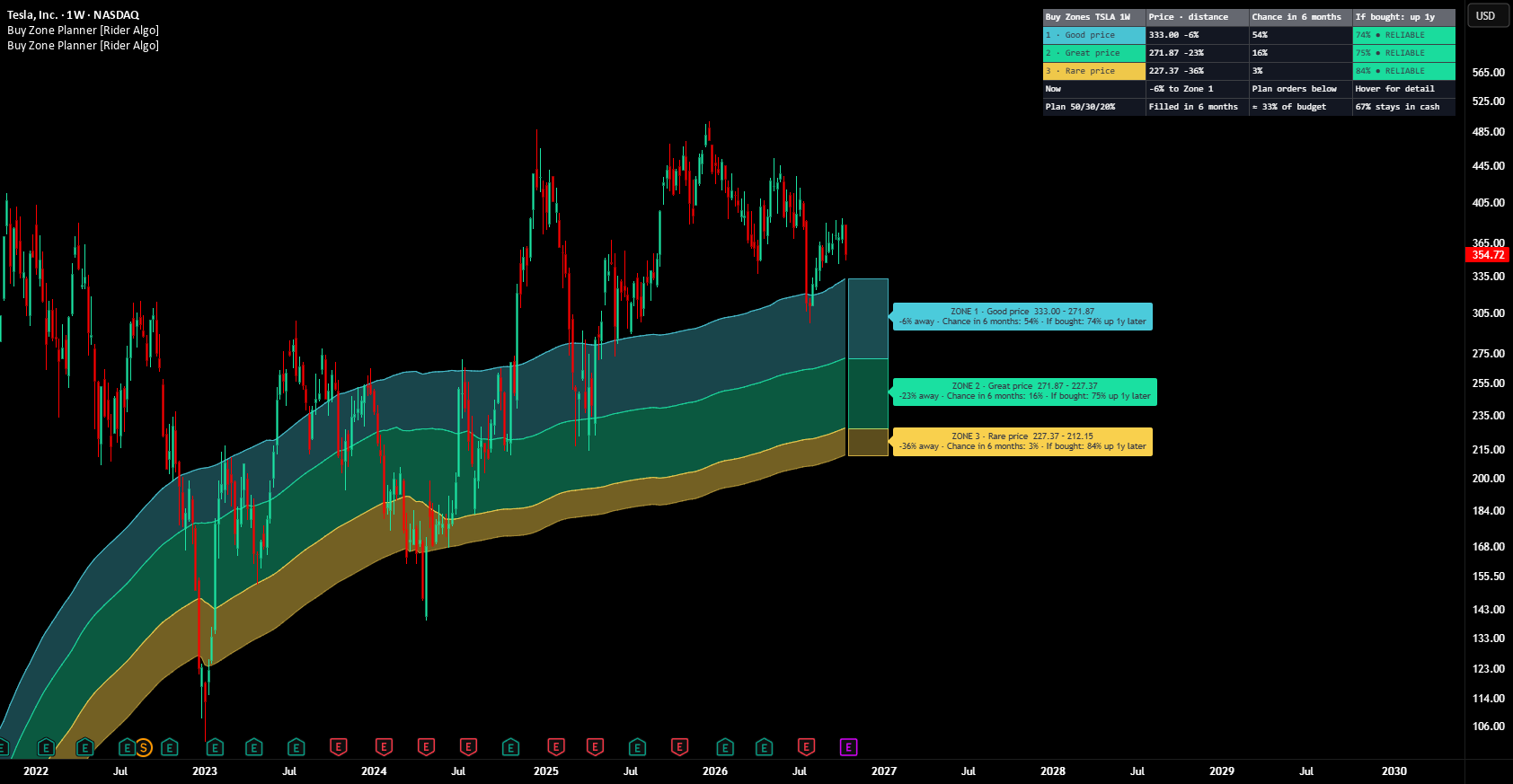
Buy Zone Planner turns "I like this asset, but at what price should I buy it?" into a plan. It draws three buy zones under the price, shows the chance that price gets down to each one within the time you can wait, and shows how buying in each zone worked on the same chart before. Think of it as the price history of a product you want: when it has been on sale, how deep the sale goes, and how often it comes.
How to read it
- Choose how long you can wait in Settings: three months, six months or a year.
- Check the Now row and the verdicts. RELIABLE means buying in these zones worked on this asset before.
- Each zone shows its distance from price, the chance to get there and how past buys there turned out a year later.
- YOU ARE HERE lights up when price is already inside a zone.
- The Plan row splits your budget across the zones and shows how much is likely to be invested and how much may stay in cash.
When to use it
- Planning long-term buys of stocks, ETFs, crypto or commodities in steps.
When not to use it
- On assets in a long decline where the table warns of a weak past: smaller steps or more patience may be worth it.
How we tested it
The rules were tested on stocks, ETFs, crypto, gold, silver and forex before publishing. Every chart shows its own record instead of a promise.